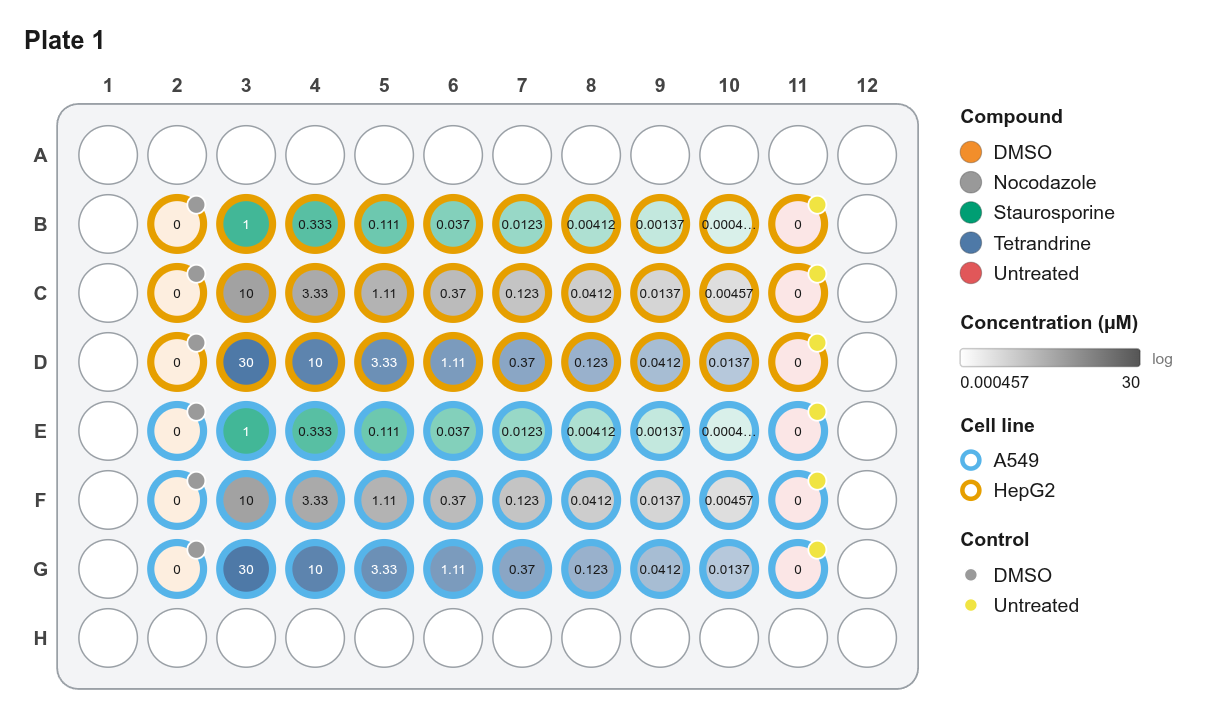
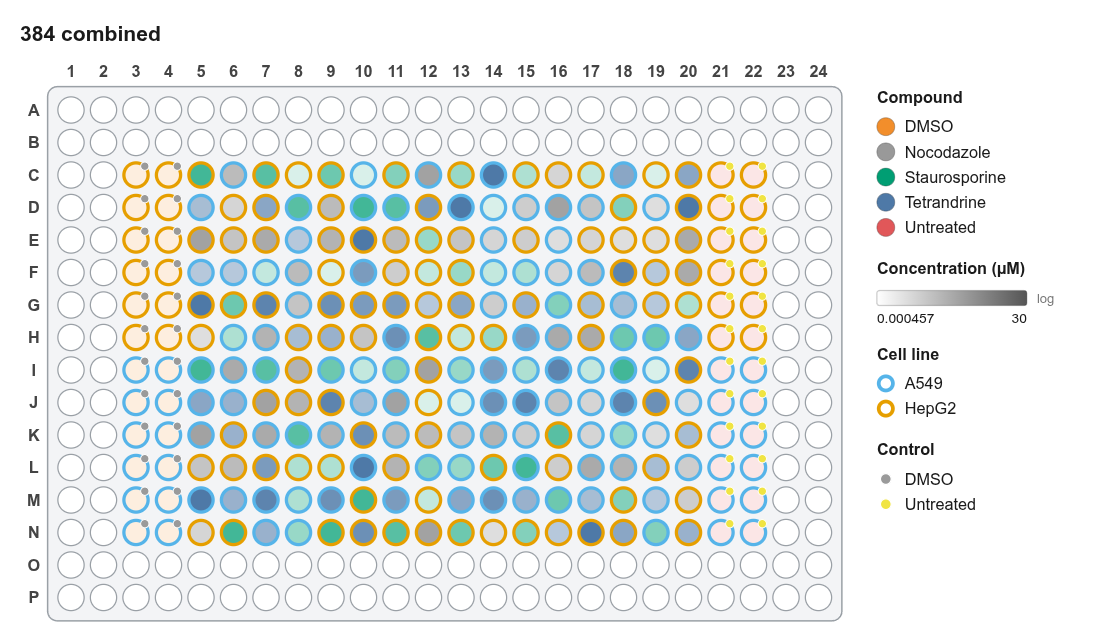
Figure export
Click Export (top right), File → Export figure…, or press Ctrl+E.
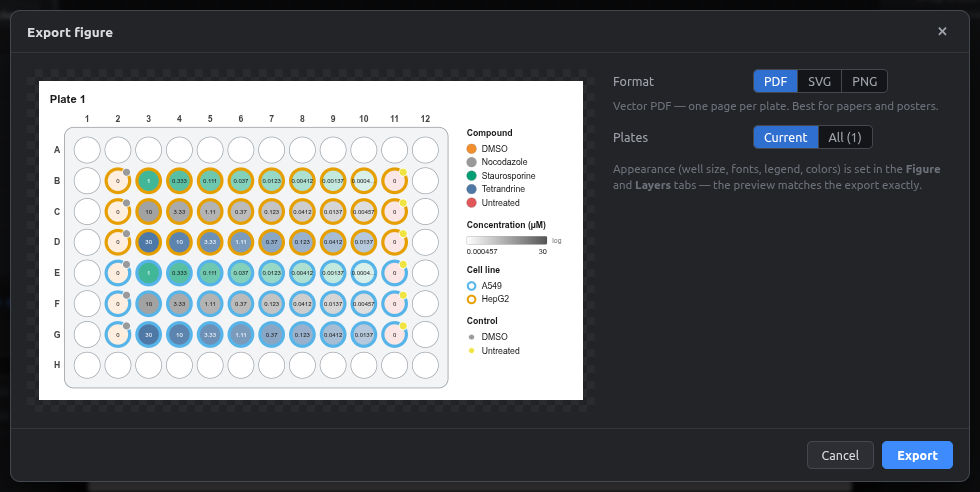
| Format | Best for | Notes |
|---|---|---|
| Papers, posters, theses | Vector, so it stays sharp at any size. Text stays selectable. All plates gives one page per plate | |
| SVG | Editing in Illustrator, Inkscape, Affinity | Vector; every well and label is a separate editable object |
| PNG | Slides, documents, chat | 150 / 300 / 600 / 1200 dpi. The DPI is stored in the file, so Word and PowerPoint size it correctly |
- Plates: Current or All. For PNG and SVG with All, you're asked where to save each file in turn.
- Appearance comes from the Figure and Layers tabs.
Which resolution?
300 dpi is the usual journal minimum for raster images. 600 dpi suits line-art-like figures such as this one. Use PDF or SVG whenever the journal accepts vector files.
Example outputs