Figure style
The Figure tab controls how the plate looks, both on screen and in every export.
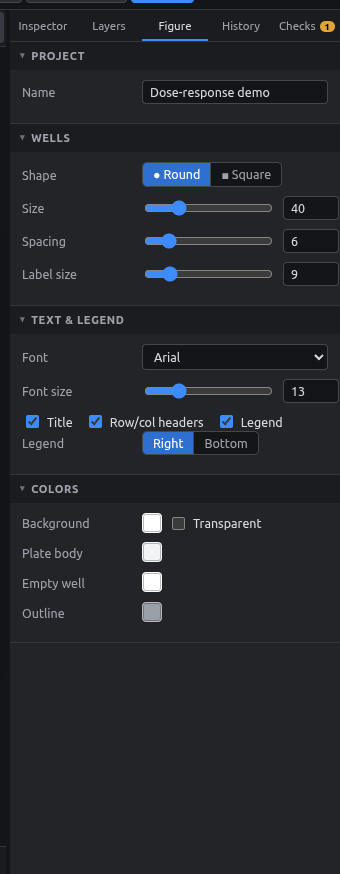
| Section | Options |
|---|---|
| Project | Experiment name (shown in the title bar and used for export file names) |
| Wells | Shape (round / square), size, spacing, label size |
| Text & legend | Font, font size, show title / row & column headers / legend, legend on the right or at the bottom |
| Colors | Background (or transparent), plate body, empty well, outline |
Dragging a slider merges into one undo step, so the History isn't flooded.
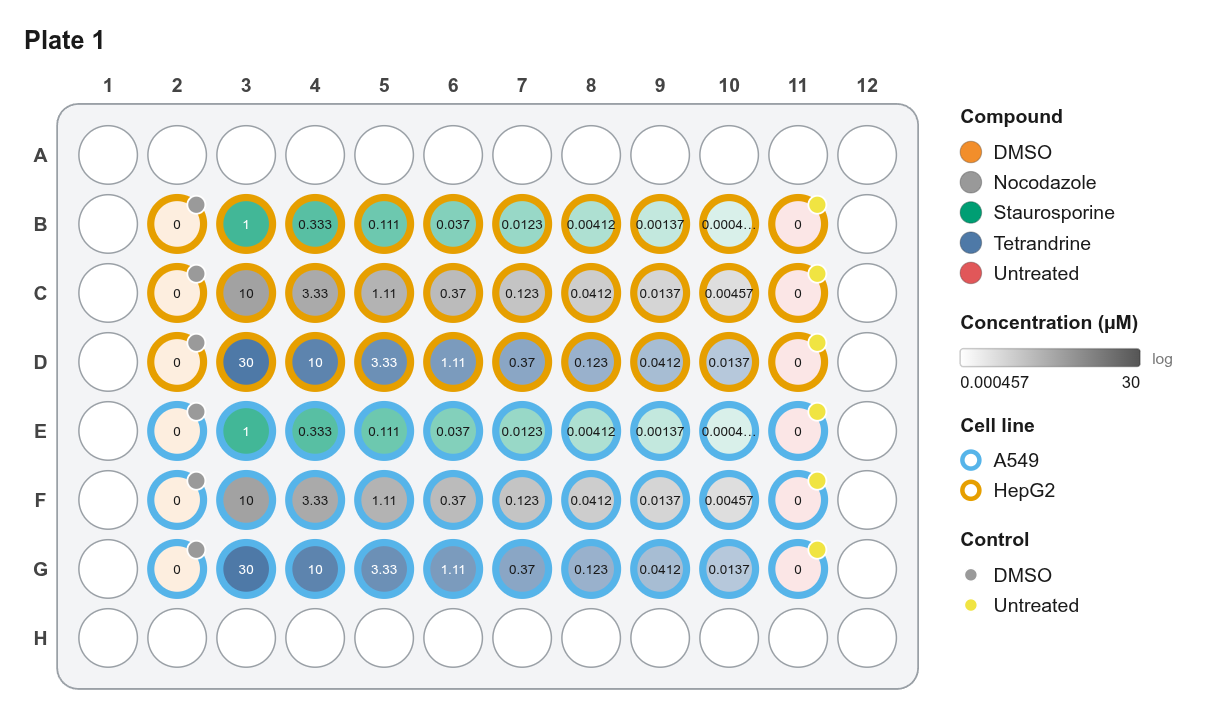
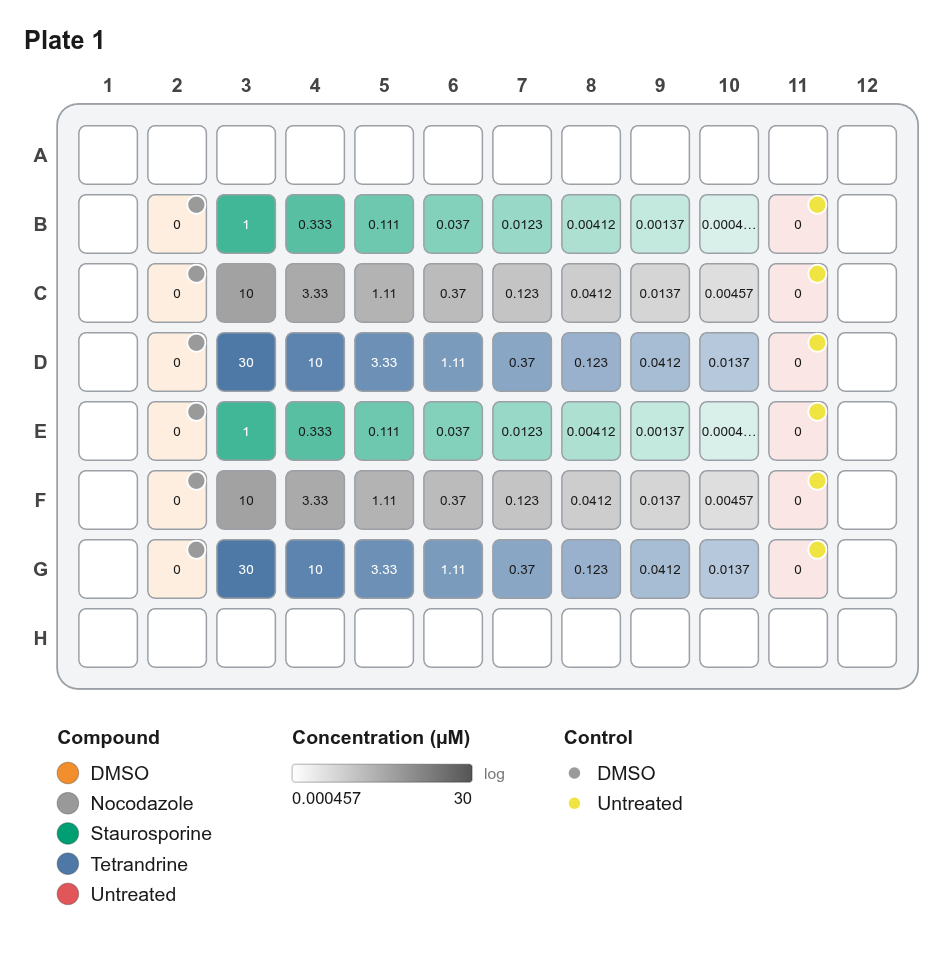
Tips for publication figures
- Use Arial or Helvetica; most journals ask for these.
- Set the font size to 8–10 pt at the final print size. Export SVG or PDF and scale in Illustrator or Inkscape if needed.
- Turn on Transparent background for PNGs placed on colored slides.
- Square wells pack tighter for 384- and 1536-well plates.
Zoom (status bar) only changes the view on screen. Well size changes the actual figure.